A place. Your pace.
A story at every stop.
Turn a place you want to see into a walk you’ll remember. Your phone brings the map. We bring the stories. You bring your curiosity.
Find your first walk- Free audio guides
- Works in your browser
- Walk at your own pace
From “let’s go” to “I never knew that.”
Four simple steps. Real screens from our Notre-Dame walk.
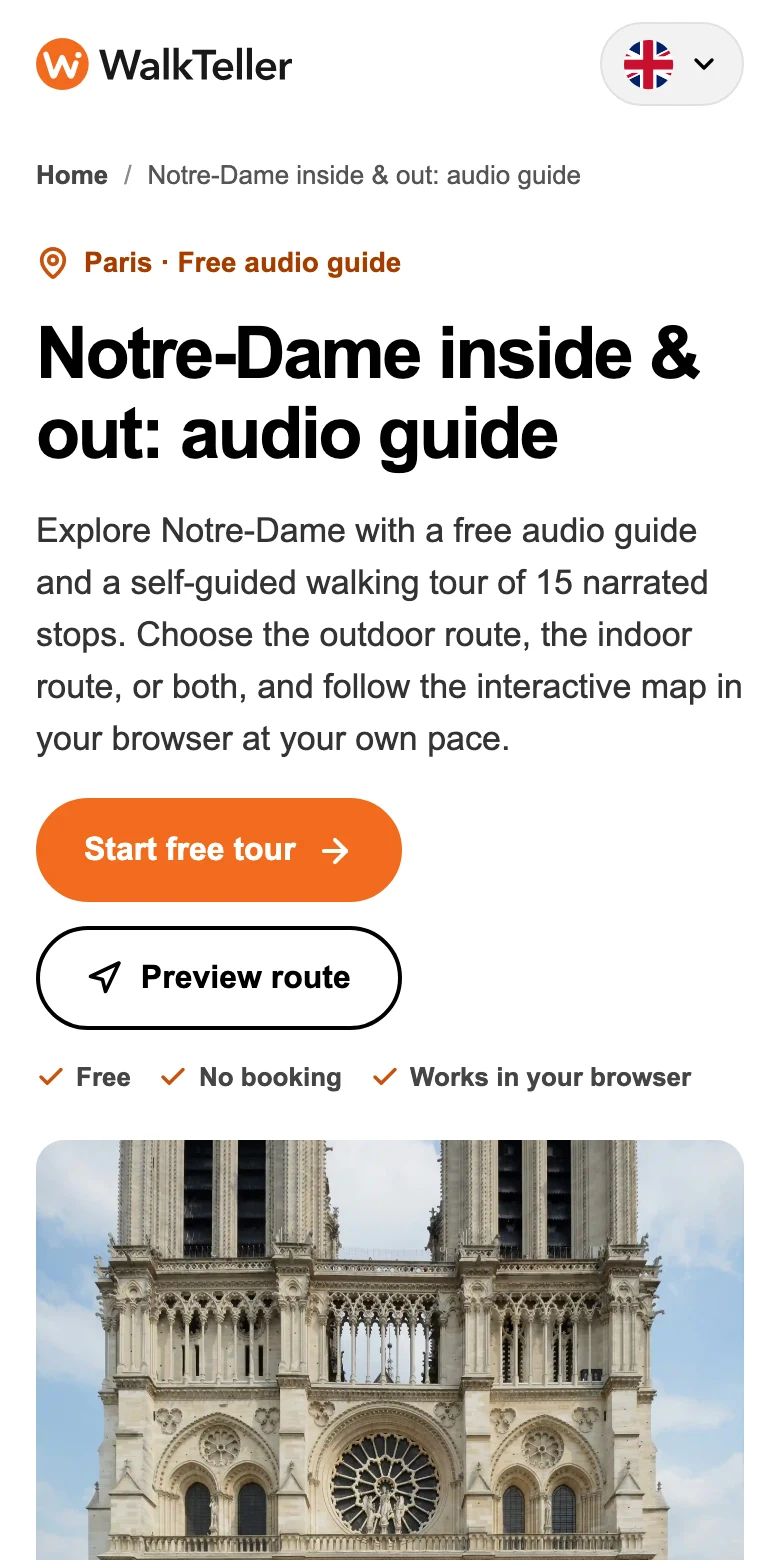 CHOOSE A PLACE
Find your walk.
Pick somewhere that catches your eye. Check the route, stops, duration, and available languages before you go.
A little planning. A lot to discover.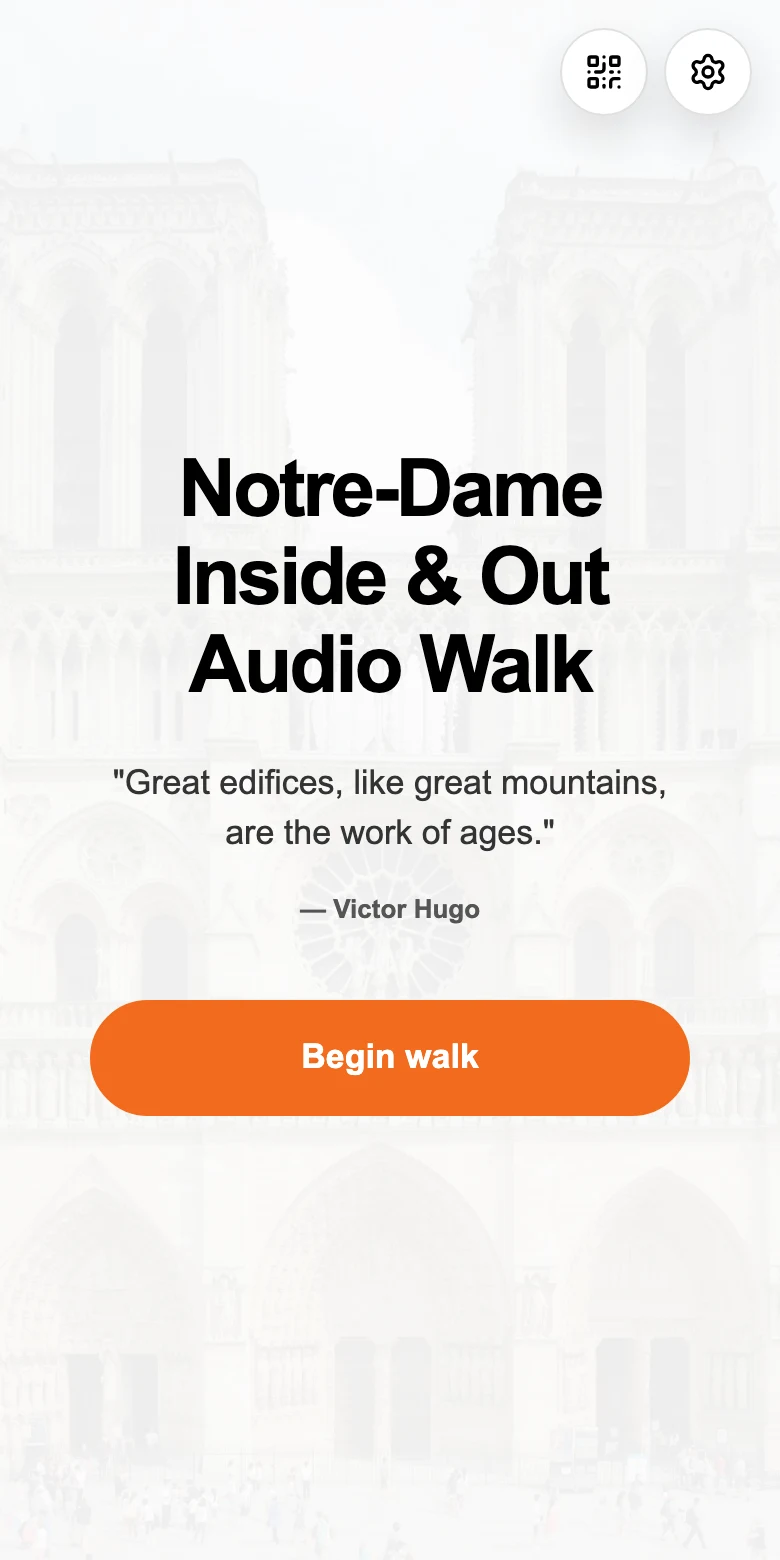 START IN YOUR BROWSER
Open. No download.
Open the tour on your phone and choose your language. No app to install, no WalkTeller booking to make.
Your phone is your guide.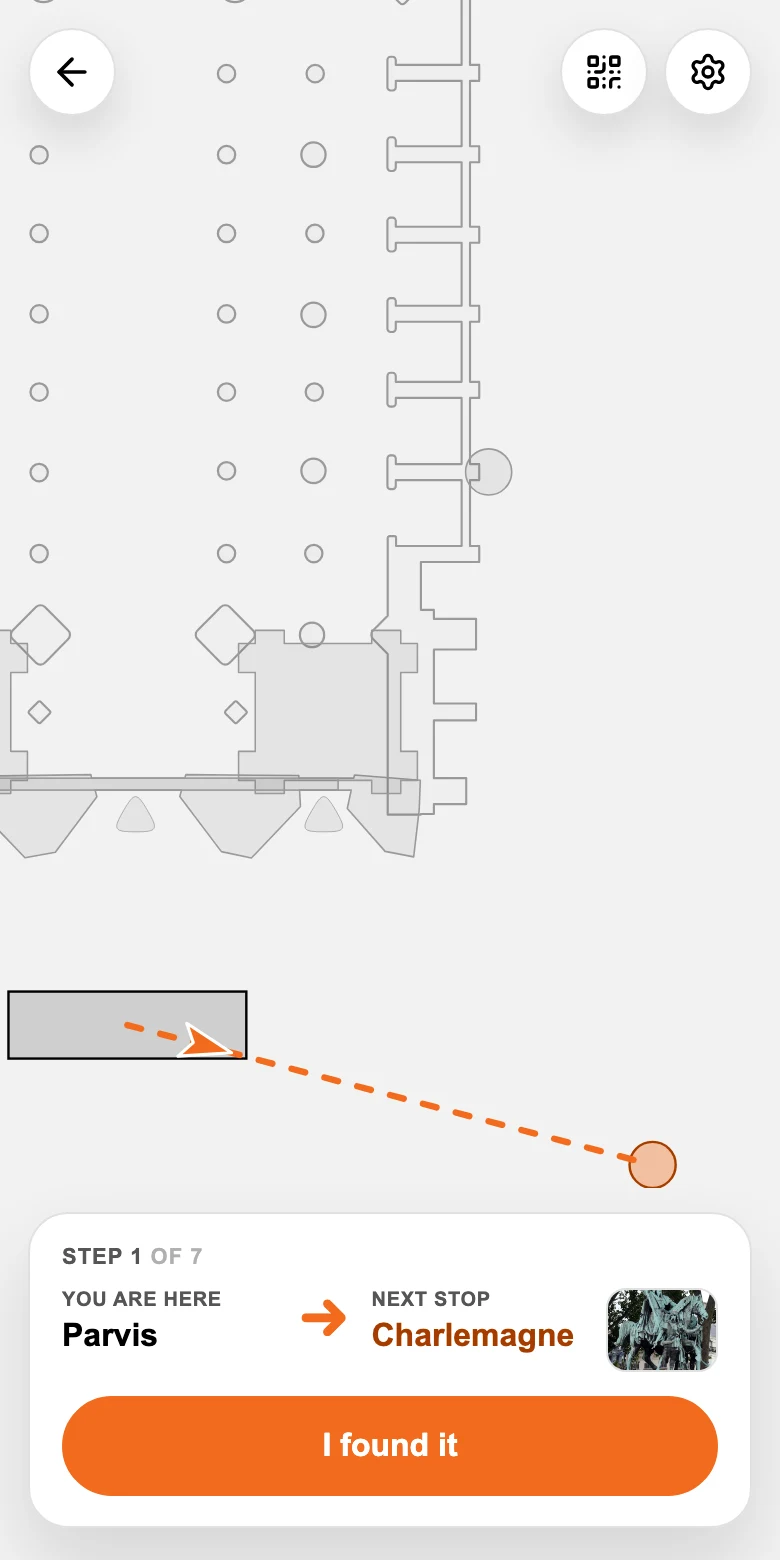 FIND THE NEXT STOP
Follow the orange.
Use the map to find your next stop. Once you are there, tap “I found it” to open the story.
You choose when to move on.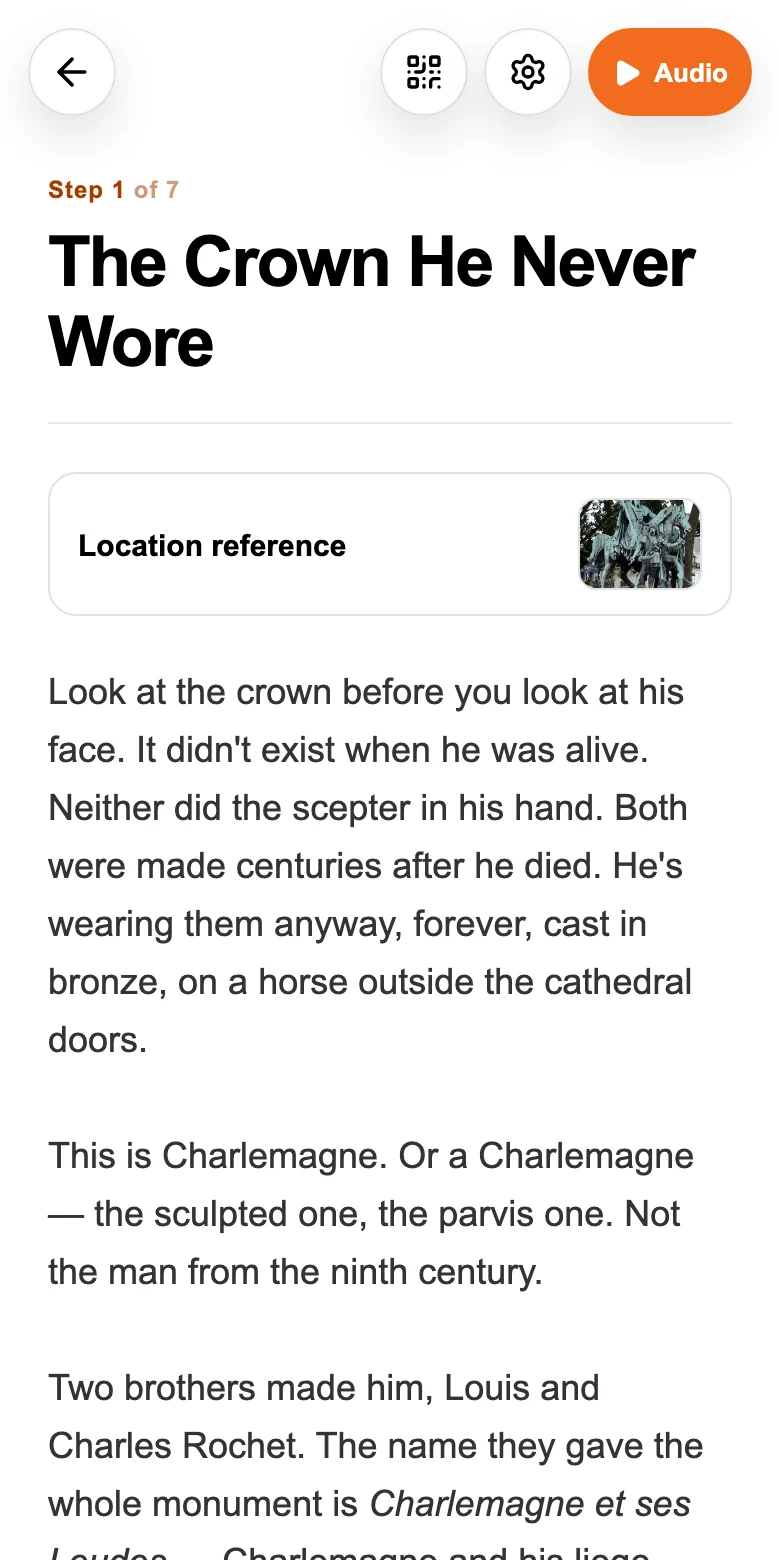 LET THE PLACE TELL ITS STORY
Listen. Look closer.
Put on your headphones and hear the story where it happened. Read along, look around, then head to the next stop.
Repeat until your walk is complete.

Look up. Take a detour.
The story can wait.
No group to keep up with. No guide waving you along. Pause the audio whenever you like and continue when you’re ready.
Curiosity, plus a few essentials.
Headphones
Hear every detail, and keep the stories to yourself in quieter places.
A charged phone
A little battery for the map, the audio, and the photos you’ll want to take.
An internet connection
Load your tour, maps, and audio along the way. Mobile data or Wi-Fi works.
Visiting a museum, cathedral, or another venue? Check its opening hours, tickets, and access requirements separately.
Planning the Louvre? Follow our 12-stop Louvre highlights map with rooms and floor changes.
Visiting Notre-Dame? Check our free entry and reservation guide.
A few questions before the first step.
Do I need to install an app?
No. WalkTeller runs in your phone’s web browser. Open a tour, choose a language, and begin.
Are the tours really free?
WalkTeller audio guides are free to use. Tips are optional. Venue admission, tickets, and reservations are separate, so check the place’s entry requirements before you go.
Can I pause or take a break?
Yes. Pause the audio, stop for a coffee, or spend longer looking at something. You decide when to continue to the next stop.
What should I bring?
A charged phone, headphones, and an internet connection to load the tour and its media. Check your tour’s starting point and any venue access requirements before setting out.